Notes
Read the current prompt
# Task: Build a Notes Application

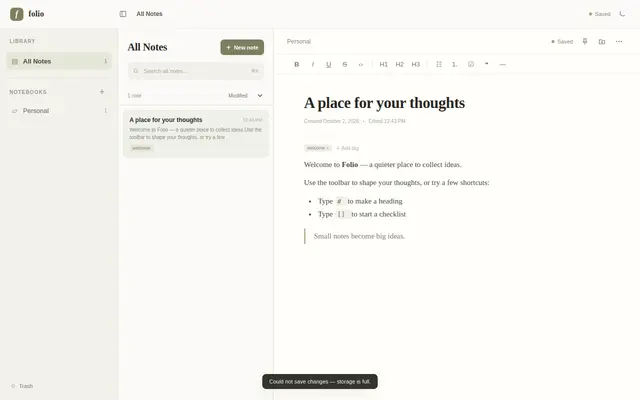
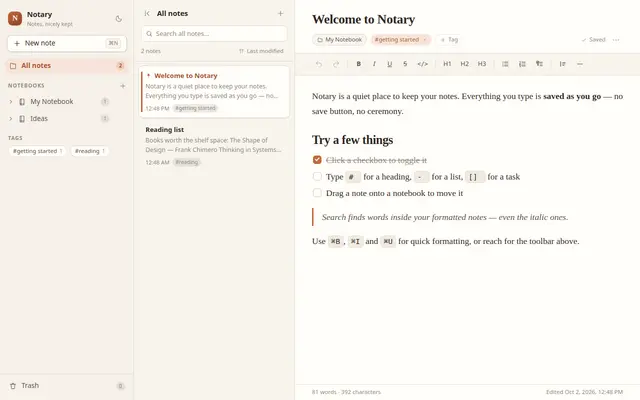
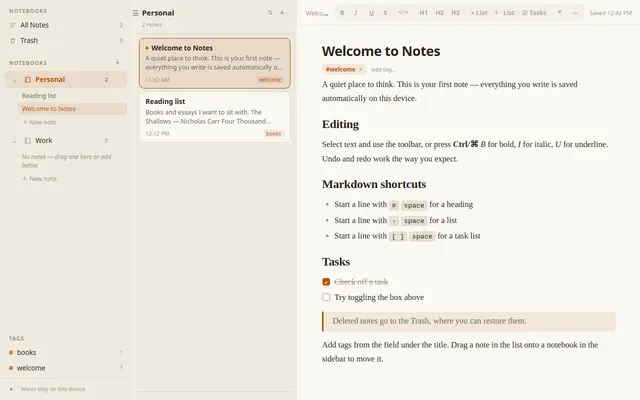
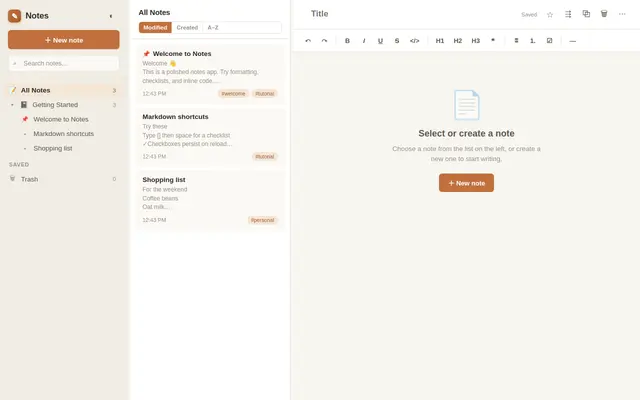
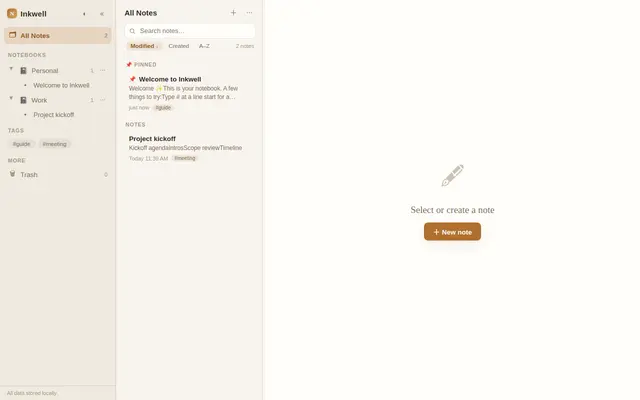
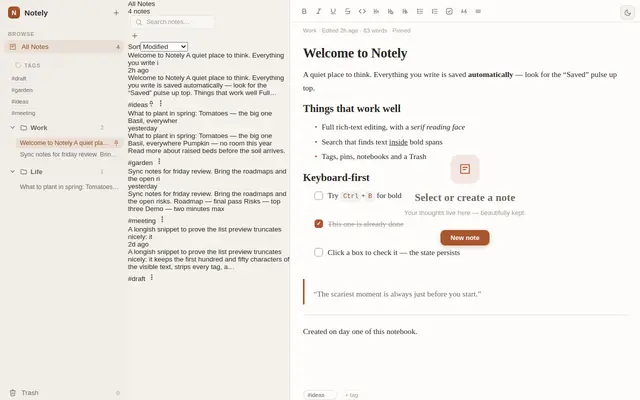
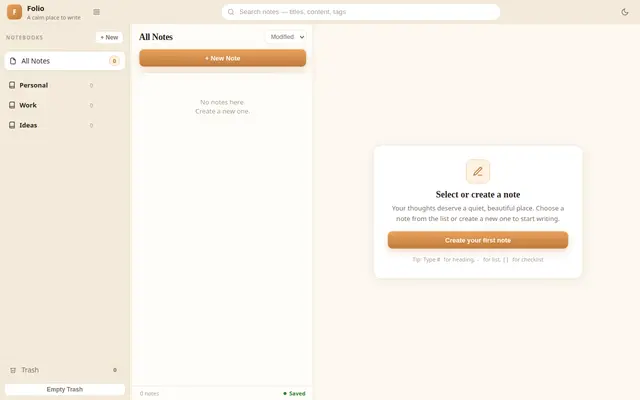
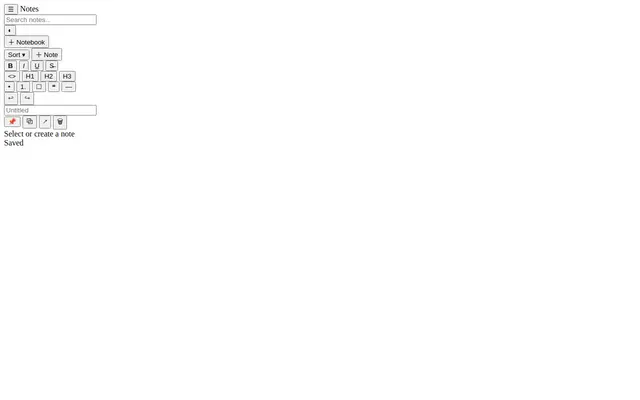
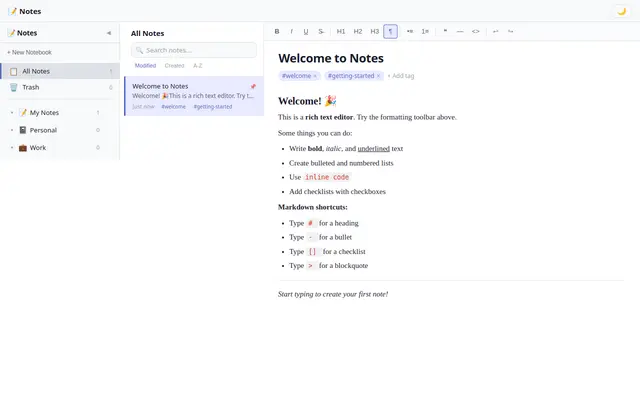
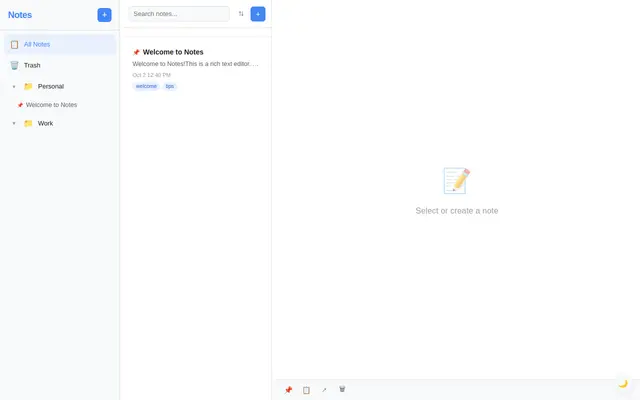
Build a polished, fully functional notes application (vanilla JS, no external assets, no CDN, no libraries) in the spirit of UpNote, Obsidian, OneNote, or Notion. The top priority is **product-grade UI quality and editor correctness** — this should look and behave like a real shipping notes app, not a demo.

## Core Specification

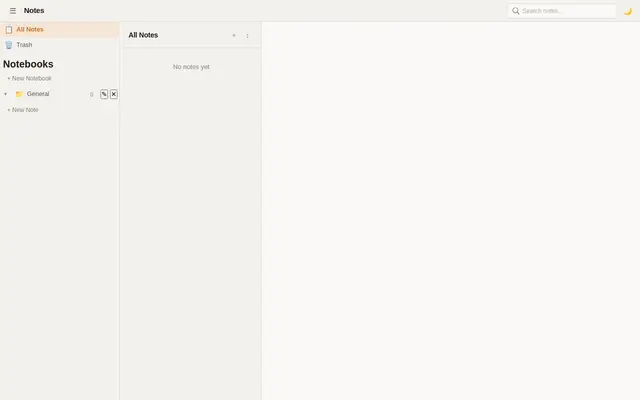
**Three-Pane Layout**
- **Notebook/sidebar pane:** notebooks (or folders) grouping notes, with note lists under them; create/rename/delete notebooks; collapsible; an "All Notes" virtual view and a Trash
- **Note list pane:** notes in the selected notebook — title, snippet preview, updated timestamp, sort order toggle (modified / created / alphabetical); pinned notes float to the top
- **Editor pane:** the selected note, editing in place
- Panes are resizable via drag handles and the sidebar is collapsible; layout state persists

**Editor**
- Rich text via `contenteditable` with a formatting toolbar: bold, italic, underline, strikethrough, inline code, H1/H2/H3, bulleted and numbered lists, checklist items with clickable checkboxes, blockquote, horizontal rule
- Toolbar buttons reflect the formatting state at the cursor (bold button active when selection is bold)
- Keyboard shortcuts: Ctrl/Cmd+B/I/U, standard list continuation on Enter, Escape-empty-list-item on Enter
- **Markdown-style input shortcuts:** typing `# ` at line start converts to H1, `- ` to a bullet list, `[] ` to a checklist item, `> ` to a blockquote
- Paste is sanitized to the supported formatting subset — no foreign markup or scripts survive pasting
- Undo/redo (Ctrl+Z / Ctrl+Shift+Z) that works reliably with the custom formatting, not just browser defaults

**Organization & Search**
- Move notes between notebooks (drag-and-drop onto sidebar notebooks, or a move menu)
- Pin/unpin, duplicate, and delete notes; deleted notes go to Trash and can be restored or permanently deleted
- Global search: live filter across note titles and body text, with matched-text highlighting in results; search must cover the text content, not raw HTML tags
- Tags: add multiple tags per note; clicking a tag filters the note list

**Persistence**
- Everything — notebooks, notes (with formatting), tags, pins, trash, sort order, selection, and pane layout — serializes to `localStorage` and restores exactly on reload
- Auto-save as you type (debounced), with a subtle "Saved" indicator; never lose keystrokes

## Visual Style
- Refined productivity-app aesthetic: warm light theme (plus a dark theme toggle), elegant serif or clean sans reading typography in the editor, restrained chrome
- Clear visual hierarchy between the three panes; selected states obvious; hover states on every interactive element
- Micro-interactions: smooth sidebar collapse, note selection transitions, a tasteful empty state when no note is selected ("Select or create a note")
- This prompt is judged heavily on look and feel — sweat the spacing, typography, and focus states

## Technical Requirements
- Vanilla JS; all code organized with clear section comments
- Single source of truth: a serializable data model (notebooks, notes, tags) — the DOM is a projection of it, never the other way around
- Note content stored as sanitized HTML; a pure text-extraction function feeds search and snippets
- Tunable constants block at the top (colors, fonts, autosave debounce, snippet length)

## Quality Bar (must hit all)
- Formatting round-trips: bold a word, reload, it's still bold; checklist check states persist
- Search finds text inside formatted content (e.g. a word inside a bold span) and never matches tag names like "b" or "div"
- Enter at the end of a list item continues the list; Enter on an empty item exits it
- Deleting a note, then restoring it from Trash, returns it to its original notebook with formatting intact
- Markdown shortcuts trigger only at line start and convert immediately on the trailing space

## Self-Check Before Finishing
Verify with the browser tools (probe by setting editor content, dispatching input/keydown events, and asserting the model + DOM):
- Type a checklist item, toggle its checkbox, reload, and assert the checked state survived
- Apply bold to a word, search for that word, and assert it appears in results
- Type `# Hello` at a line start and assert an H1 is produced; type `#` mid-sentence and assert it stays literal text
- Delete a note, assert it's in Trash, restore it, and assert it reappears in its notebook
- Paste HTML containing a `<script>` tag and assert it is stripped
Recent highlights
Latest results
Notes
GPT 6 Luna

Notes
nex agi Nex N2.5 mini GGUF
Notes
Deepseek v4.1 Flash
Notes
Qwen 3.8
Notes
Tiel Coder 35B A3B GGUF MTP
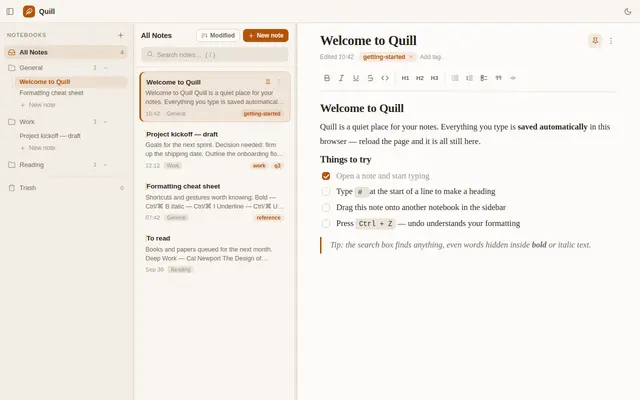
Notes
Qwen 3.8
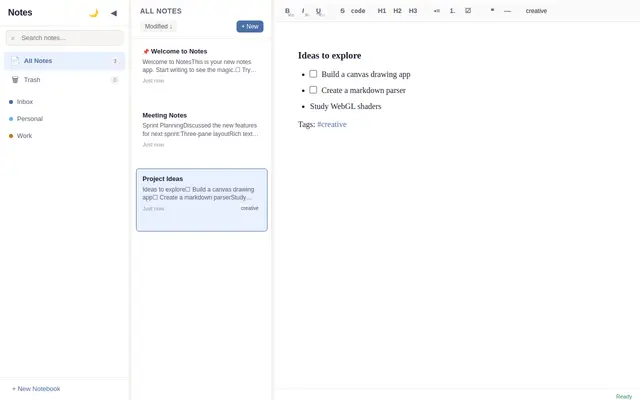
Notes
ling 3.0 Flash
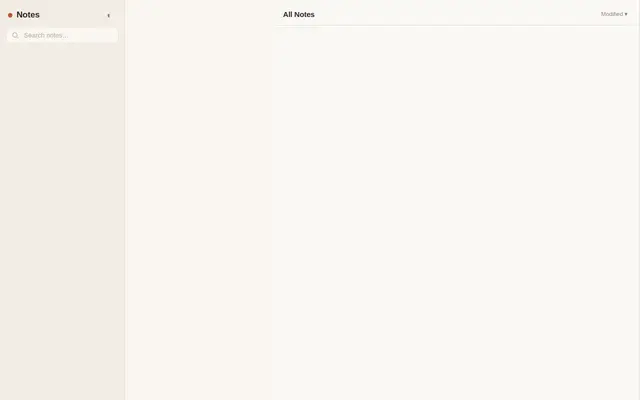
Notes
Ornith 1.5 35B A3B
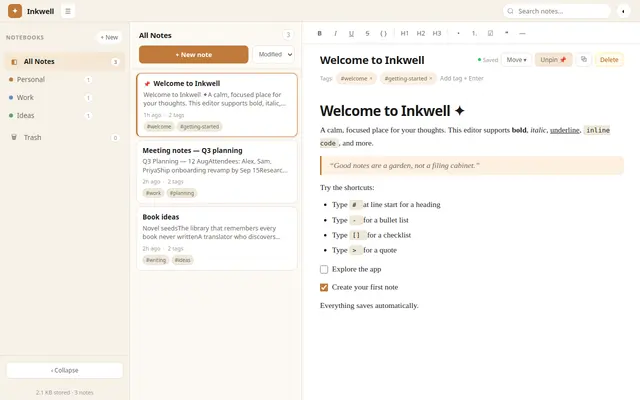
Notes
muse spark 1.2 contributor
Notes
ox alpha
Notes
Qwen 3.8 27B GGUF

Notes
GLM 4.6V Flash GGUF

Notes
LFM2.5 2.6B GGUF
Notes
muse spark 1.2
Notes
ProCreations grug 27b GGUF IQ4
Notes
Qwen 3.6 27B MTP GGUF UD Q5 K XL
Notes
ThinkingCap Qwen3.6 27B GGUF
Notes
Qwen 3.6 27B MTP GGUF