Spreadsheet
Read the current prompt
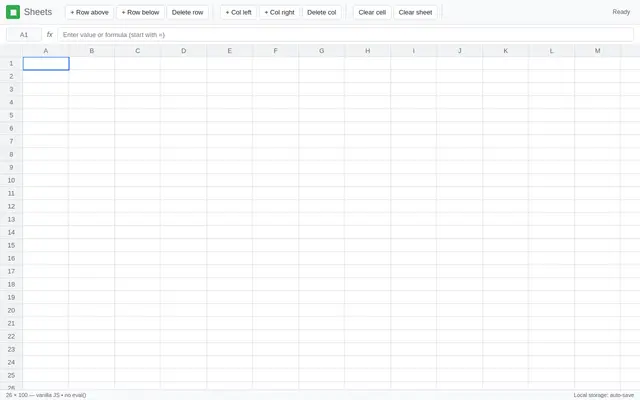
# Task: Build a Spreadsheet Application

Build a functional spreadsheet (vanilla JS, no external assets, no CDN, no libraries) with a real formula engine. The top priority is **correct computation** — formulas must parse correctly and recalculate in the right order, every time.

## Core Specification

**Grid & Editing**
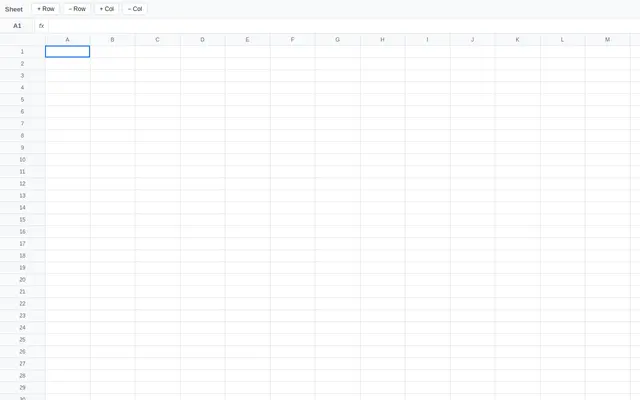
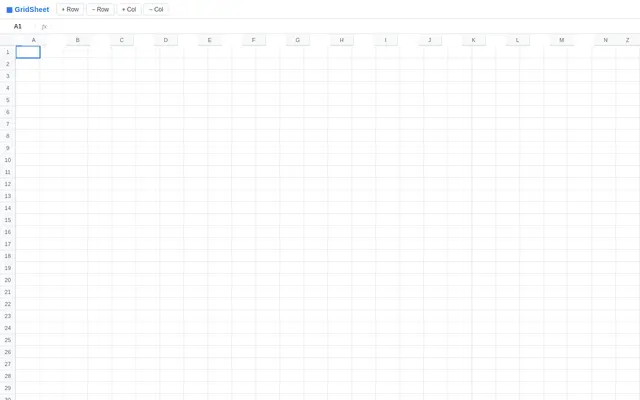
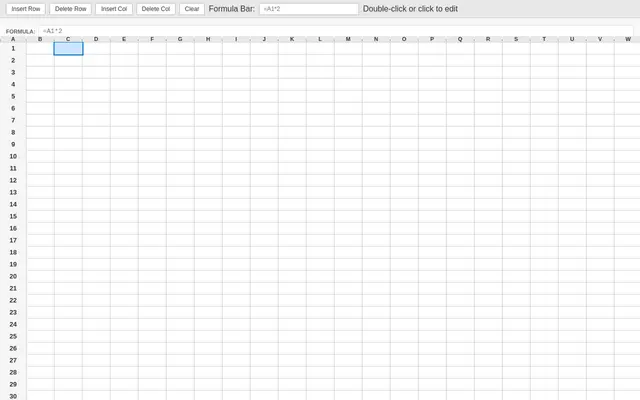
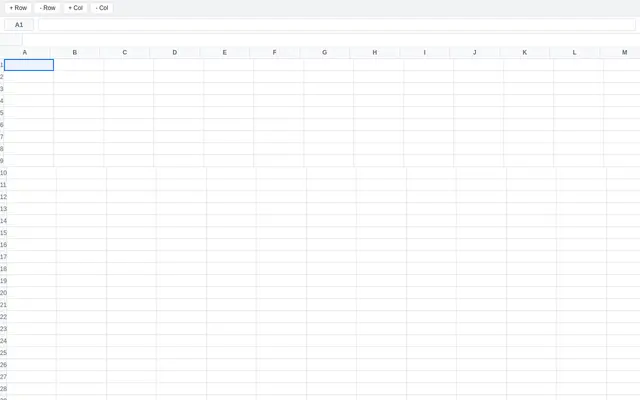
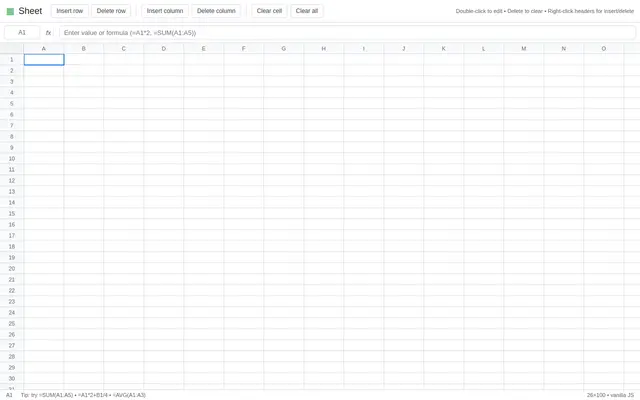
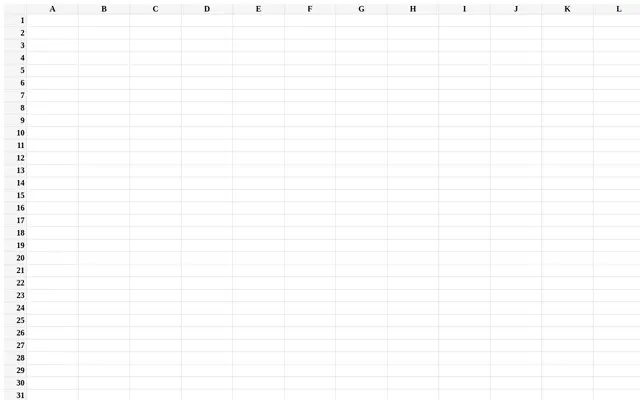
- 26 columns (A–Z) × 100 rows, rendered as an HTML table or canvas with column/row headers
- Click a cell to select it; type to edit; Enter/Tab commits and moves down/right
- Formula bar above the grid showing the raw content of the selected cell; editing there and in-cell stay in sync
- Cell display shows the *computed value*; the formula bar shows the *raw input*
- Arrow keys move the selection; double-click enters edit mode on a cell

**Formula Engine**
- Formulas begin with `=`. Support:
  - Arithmetic: `+`, `-`, `*`, `/`, parentheses, unary minus (e.g. `=A1*2+B1/4`)
  - Cell references: `A1`, `B7` (and in formulas from other cells)
  - Ranges: `A1:A10`
  - Functions: `SUM`, `AVG`/`AVERAGE`, `MIN`, `MAX`, `COUNT` (each accepting any mix of refs, ranges, and literals: `=SUM(A1:A5, 10, B2)`)
- Numbers, plain text, and formulas coexist; non-formula input displays as-is
- Errors display inline: `#REF!` for deleted/invalid references, `#DIV/0!` for division by zero, `#ERR!` for parse failures, `#CYCLE!` for circular references — errors must never crash the app

**Dependency Graph & Recalculation**
- Build a dependency graph from cell references; when a cell changes, recompute **only its dependents**, in topological order
- Changing an upstream cell must cascade through arbitrarily deep chains (`A1=5`, `B1=A1*2`, `C1=B1+1`, …)
- Circular references must be detected and reported as `#CYCLE!` on every cell in the cycle — without hanging or stack overflow

**Operations**
- Insert/delete row and column (via header right-click menu or toolbar buttons), with **all formulas automatically rewritten** to keep pointing at the same logical cells
- Clear cell (Delete key)
- Full-sheet serialization to `localStorage` (raw formulas, not values) — reload restores the sheet exactly

## Visual Style
- Clean, modern, light UI in the spirit of Google Sheets: pinned header row/column, subtle gridlines, bold blue selection border with a visible active cell
- Formula bar styled distinctly from the grid; selected cell reference shown to its left (e.g. `B4`)
- Numeric values right-aligned, text left-aligned, errors shown in red
- No decorative flourishes at the expense of legibility — this is a tool

## Technical Requirements
- Vanilla JS only; organize the code with clear section comments
- The formula parser must be a real tokenizer + recursive-descent (or shunting-yard) parser — **no `eval()`**
- Tunable constants block at the top (grid size, colors, cell dimensions)
- Target: typing and recalculation feel instant on a full 26×100 sheet

## Quality Bar (must hit all)
- `=SUM(A1:A5)` and deep dependency chains compute correctly and update live
- A cycle (`A1=B1`, `B1=A1`) shows `#CYCLE!` on both cells and recovers when one is cleared
- Deleting a row referenced by a formula rewrites it correctly (or yields `#REF!` if the target is gone)
- Editing in the cell and in the formula bar never disagree
- State survives a page reload

## Self-Check Before Finishing
Verify with the browser tools:
- Enter `5` in A1, `=A1*2` in B1, `=B1+1` in C1 → C1 shows `11`; change A1 to `10` → C1 shows `21`
- `=SUM(A1:A3)`, `=AVG(A1:A3)`, `=1/0` → `#DIV/0!`, `=SUM(` → `#ERR!`
- Create the A1↔B1 cycle above and confirm `#CYCLE!` appears and clears
- Reload the page and confirm all formulas and values persist
Recent highlights
Latest results
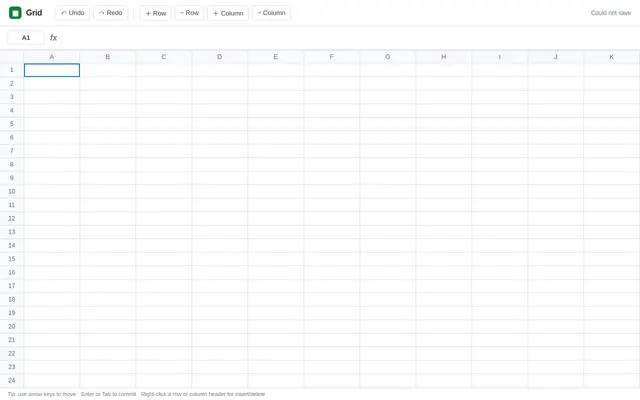
Spreadsheet
GPT 6 Luna

Spreadsheet
nex agi Nex N2.5 mini GGUF
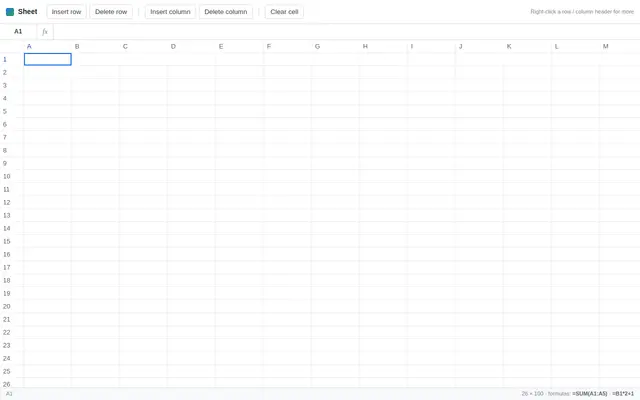
Spreadsheet
Deepseek v4.1 Flash
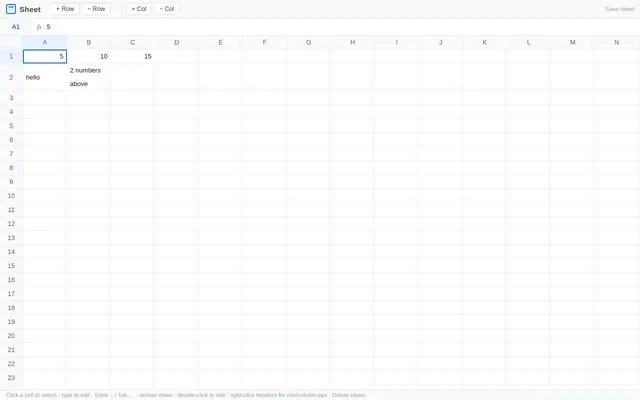
Spreadsheet
Qwen 3.8
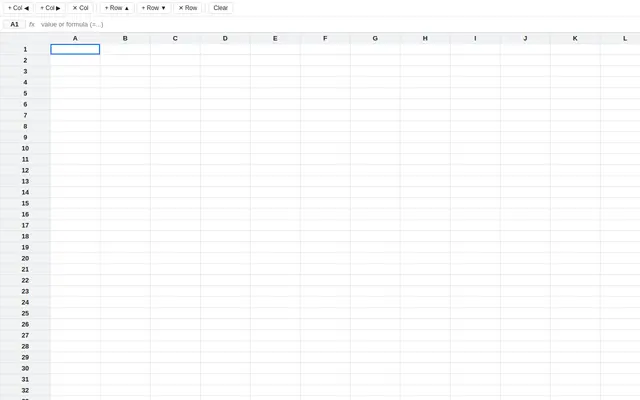
Spreadsheet
Tiel Coder 35B A3B GGUF MTP
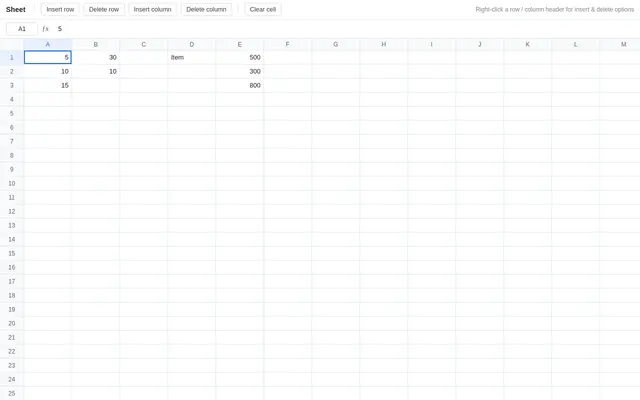
Spreadsheet
Qwen 3.8
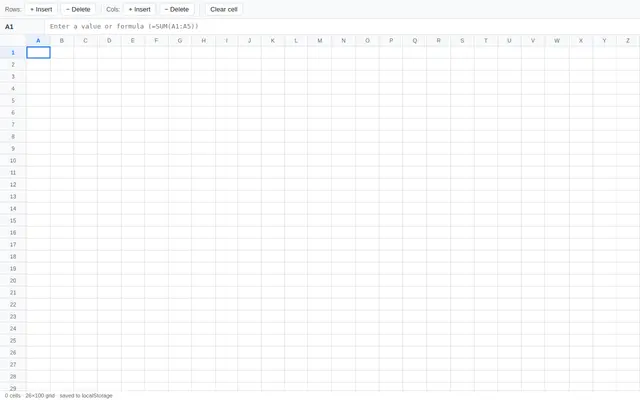
Spreadsheet
GLM 5.3 Flash
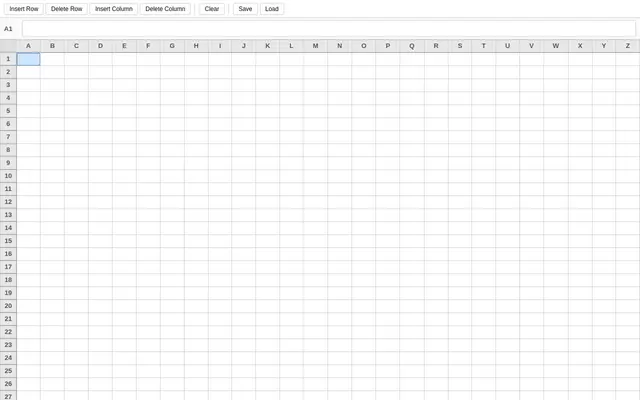
Spreadsheet
ling 3.0 Flash
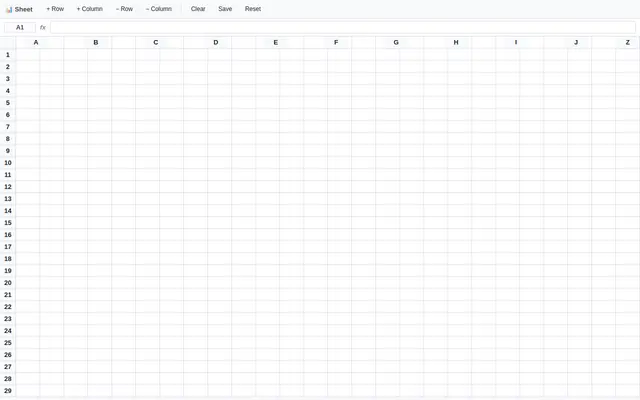
Spreadsheet
Ornith 1.5 35B A3B
Spreadsheet
muse spark 1.2 contributor
Spreadsheet
ox alpha
Spreadsheet
Qwen 3.8 27B GGUF
Spreadsheet
ling 3.0 tiny:free

Spreadsheet
North Mini Code 1.0 GGUF
Spreadsheet
Qwen 3.6 27B Fable Fusion 711 Uncensored Heretic NM DAU NEO MAX MTP GGUF
Spreadsheet
muse spark 1.2
Spreadsheet
ProCreations grug 27b GGUF IQ4

Spreadsheet
Qwen 3.6 27b MTP