Whiteboard
Read the current prompt
# Task: Build a Collaborative Whiteboard UI Prototype

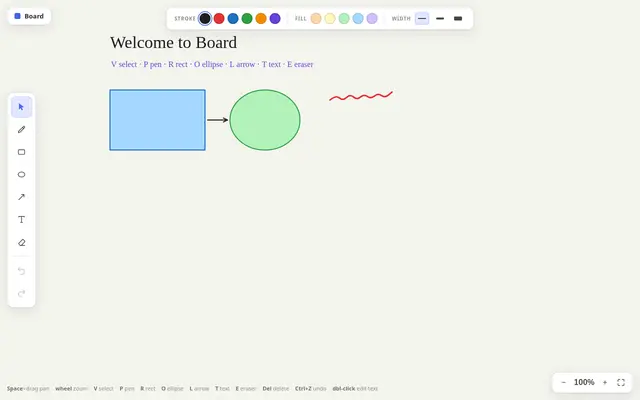
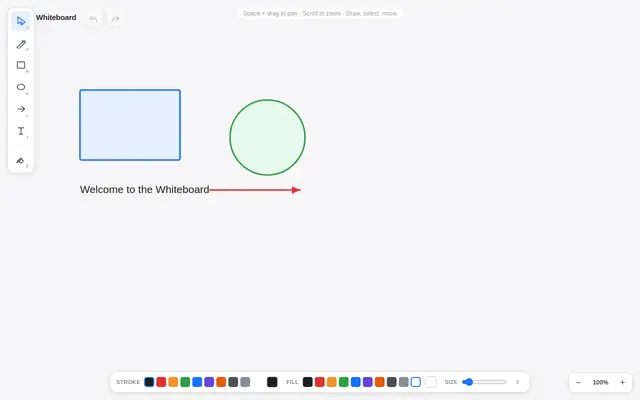
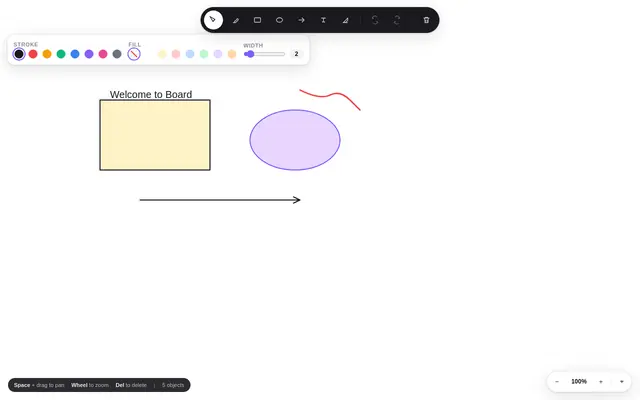
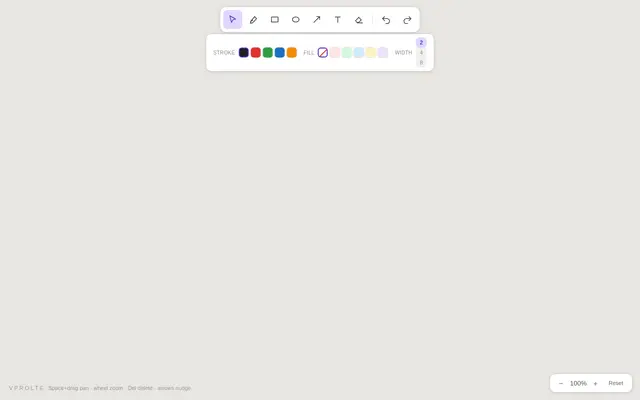
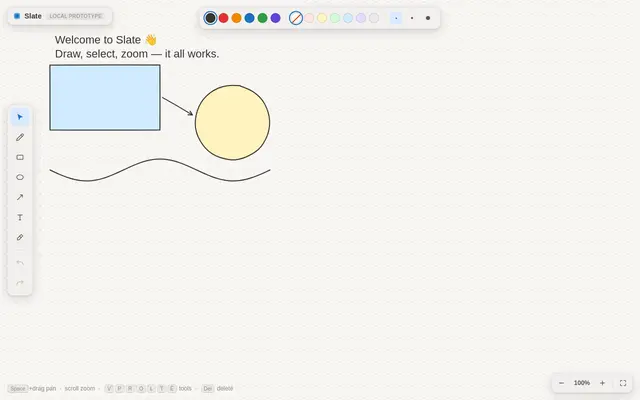
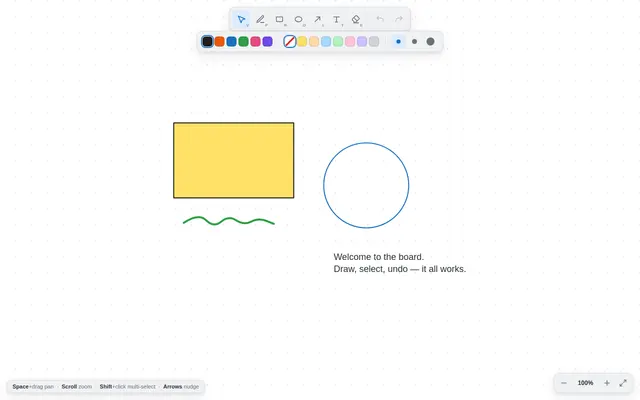
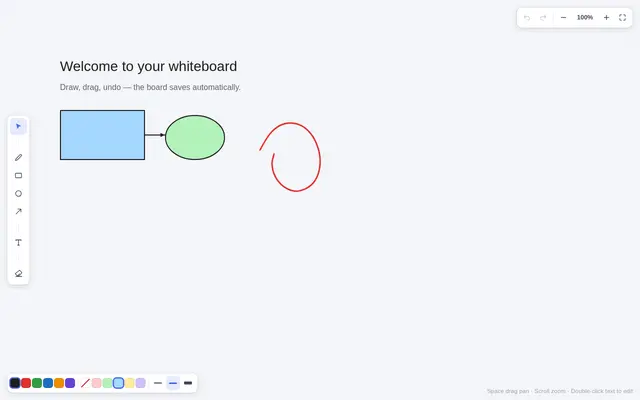
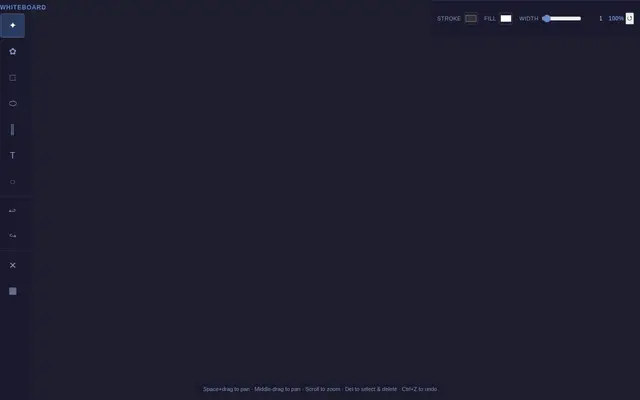
Build a whiteboard application prototype (vanilla JS, no external assets, no CDN, no libraries) in the spirit of Excalidraw, Miro, or tldraw. The top priority is **rock-solid interaction** — drawing, selecting, moving, and undoing must all behave exactly as a user expects.

## Core Specification

**Infinite Canvas & Viewport**
- A pan/zoom canvas: Space+drag (or middle-mouse drag) to pan, mouse wheel to zoom toward the cursor position
- Zoom range roughly 25%–400%, with the current zoom shown in the corner and a "reset view" button
- All objects live in *world coordinates*; rendering applies the viewport transform. Hit-testing must be done in world coordinates — selection must stay pixel-accurate at every zoom level
- Optional subtle dot or line grid that pans/zooms with the world

**Tools** (toolbar with clear active-tool indication)
- **Select (V):** click to select, drag to move, drag a corner handle to resize; Shift-click adds to selection; drag on empty space rubber-band selects multiple
- **Freehand pen (P):** pressure-smooth-ish stroke drawing (capture points, render as a smoothed polyline/path)
- **Rectangle (R), Ellipse (O), Line/Arrow (L):** drag to create, live preview while dragging
- **Text (T):** click to place a text box, type inline (contenteditable or textarea overlay), Enter/click-away commits
- **Eraser (E):** drag over objects to delete them

**Selection & Manipulation**
- Selected objects show a bounding box with 4 corner resize handles (resize preserves aspect with Shift)
- Arrow keys nudge the selection by 1px (10px with Shift)
- Delete/Backspace deletes the selection
- Hit-testing: freehand strokes use point-near-path testing; shapes use proper inside/on-border tests — clicking a filled ellipse's corner region outside the shape must NOT select it

**Undo / Redo**
- Full history: every create, move, resize, restyle, text edit, and erase is one undoable step (a multi-object drag is a single step, not one per object)
- Ctrl+Z / Ctrl+Shift+Z (plus toolbar buttons); history is lost on reload, but the *board itself* persists via `localStorage`

**Styling**
- Small properties bar: stroke color, fill color, stroke width — applies to the current selection or sets the default for new objects
- A tasteful hand-drawn-adjacent default palette

## Visual Style
- Minimal, professional tool UI: floating toolbar (top or left), properties bar, zoom indicator — everything else is canvas
- Light canvas on a slightly darker app chrome; crisp at any zoom
- No backend, no collaboration networking — this is a local prototype, but the UI should look like a product

## Technical Requirements
- Vanilla JS with HTML5 Canvas, with clear section comments
- A clean object model: every shape is a serializable object `{ id, type, ... }` in a single scene array — rendering, hit-testing, and persistence all derive from it
- Tunable constants block at the top (colors, zoom limits, hit tolerance, handle size)
- Target: smooth drawing and panning at 60 FPS with a few hundred objects

## Quality Bar (must hit all)
- Zoom toward cursor: the world point under the cursor stays under the cursor while zooming
- Selection and resize handles are accurate at 25% and at 400% zoom
- Undo after a multi-object rubber-band move restores all objects in one step
- Board content survives a page reload
- Drawing while zoomed in places the stroke exactly under the cursor

## Self-Check Before Finishing
Verify with the browser tools:
- Draw a rectangle, zoom in to 300%+, click it — it selects; click clearly outside it — it deselects
- Create 3 shapes, rubber-band select all, drag, Ctrl+Z — all three return in one undo
- Draw a freehand stroke while panned/zoomed and confirm it lands under the cursor
- Reload the page and confirm the board is restored
Recent highlights
Latest results
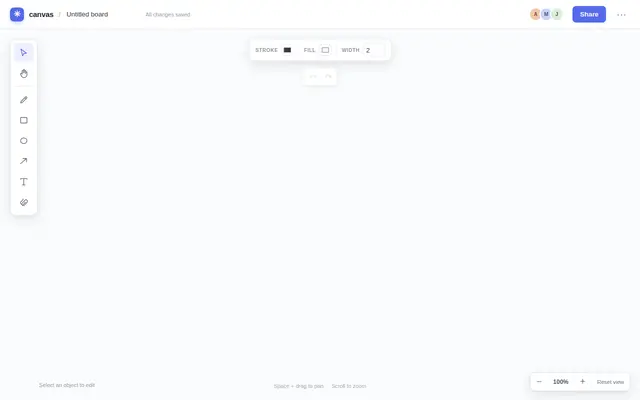
Whiteboard
GPT 6 Luna

Whiteboard
nex agi Nex N2.5 mini GGUF
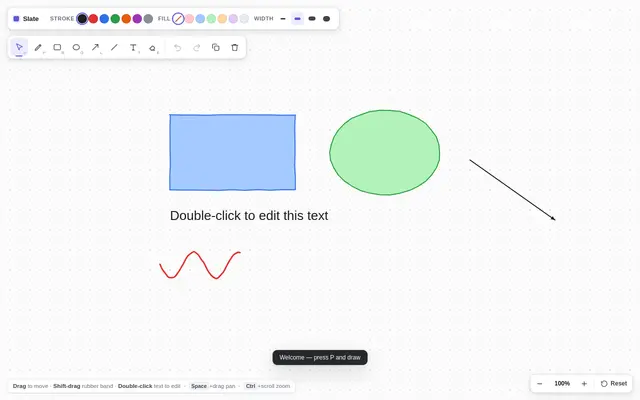
Whiteboard
Deepseek v4.1 Flash
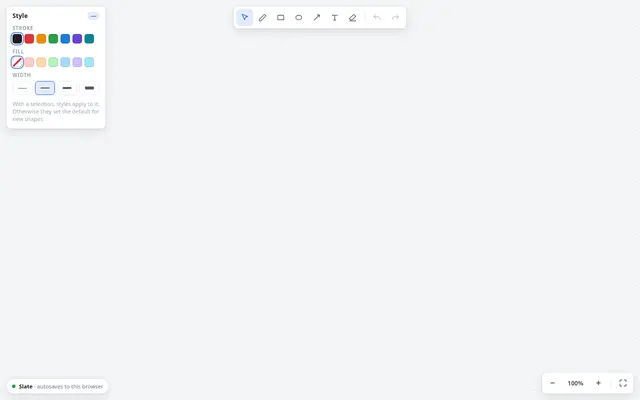
Whiteboard
Qwen 3.8
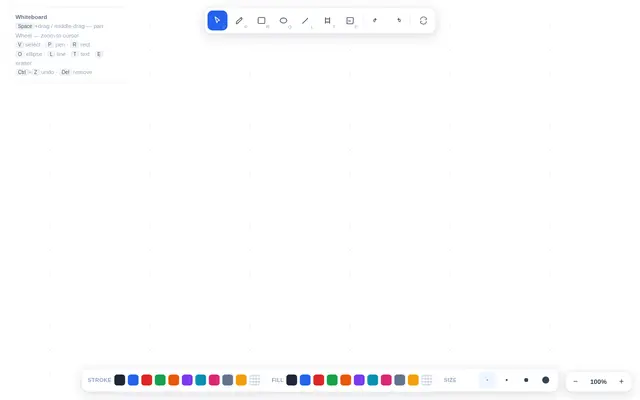
Whiteboard
Tiel Coder 35B A3B GGUF MTP
Whiteboard
Qwen 3.8
Whiteboard
Ornith 1.5 35B A3B
Whiteboard
muse spark 1.2 contributor
Whiteboard
ox alpha
Whiteboard
Qwen 3.8 27B GGUF XL
Whiteboard
Qwen 3.8 27B GGUF
Whiteboard
Qwen 3.8 27B GGUF
Whiteboard
ling 3.0 tiny:free
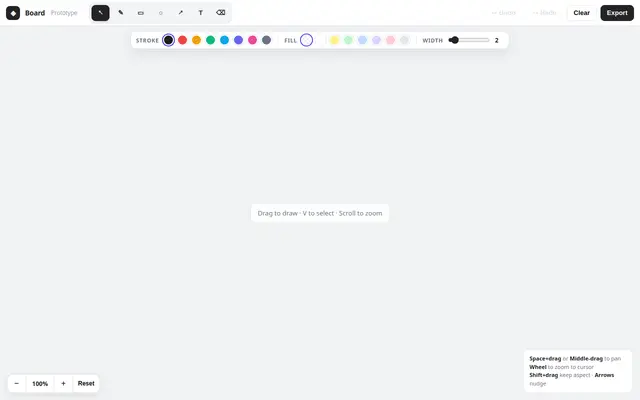
Whiteboard
muse spark 1.2
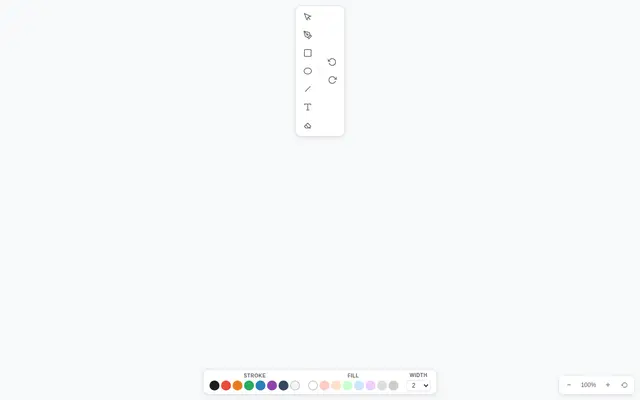
Whiteboard
ThinkingCap Qwen3.6 27B GGUF
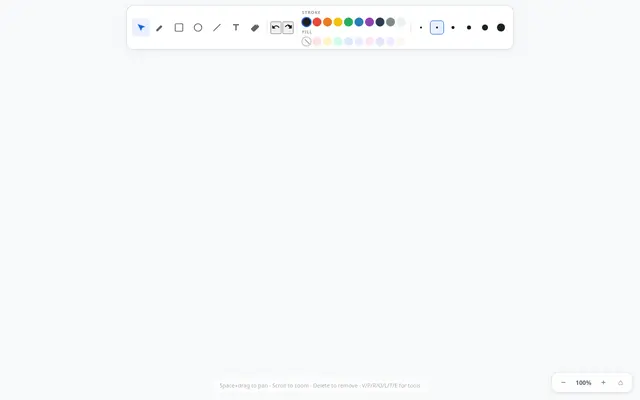
Whiteboard
Qwen 3.6 27B MTP GGUF

Whiteboard
Deepseek v4 Flash 0731
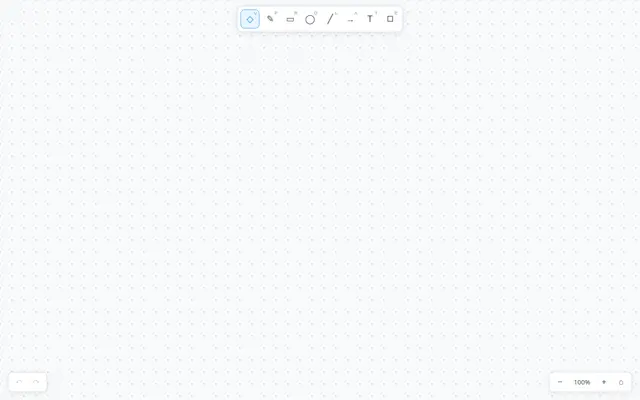
Whiteboard
Qwen 3.6 27b